Customizing performance reviews
Customize the name and questions of performance reviews
Written By Johann Molinari
Last updated 13 days ago
If you want to change the name of performance reviews for a name that suits your team or organization better, you can do so :
In Team Settings, go to the Performance review section
Click on the options menu (3 dots) and choose Rename ritual
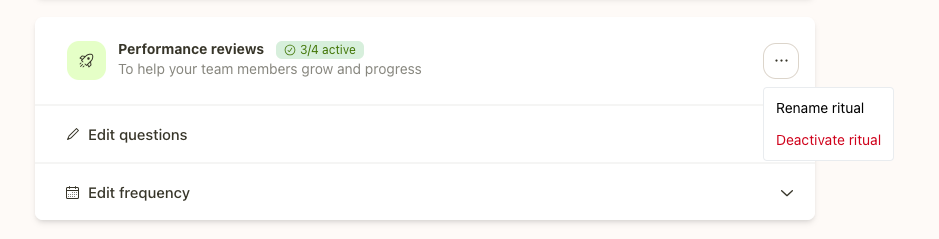
If you want to customize the preparatory questions :
In Team Settings, go to the Performance review section
Click on Edit questions
Customize, add, delete questions and click Save
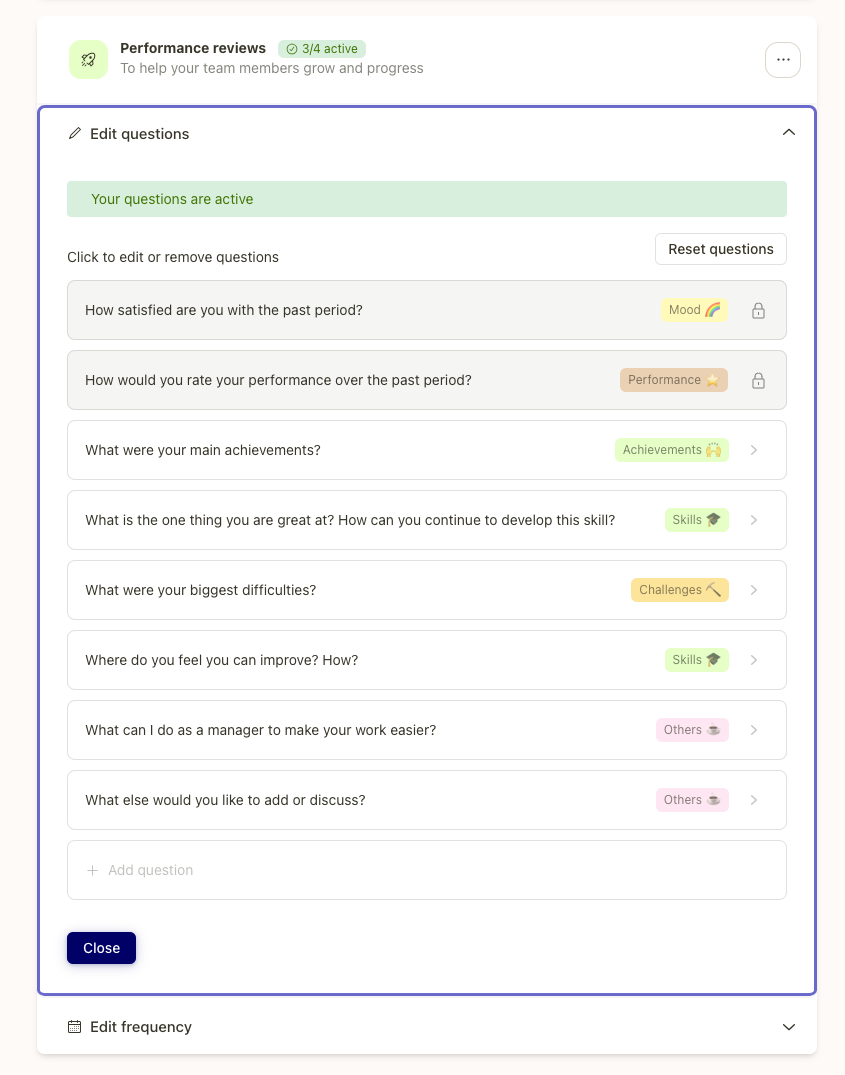
If you're an admin on Popwork, you can make these changes company wide by making a request to your account management team:
Go the Company section
Select Feeback rituals
Click on Request a change
Connect with the Popwork team and specify the changes you want

Was this helpful?
Still need help? Ask the team