Taking private notes
Save notes for yourself
Written By Johann Molinari
Last updated 13 days ago
You can write private notes to keep in mind things you may not want to share.
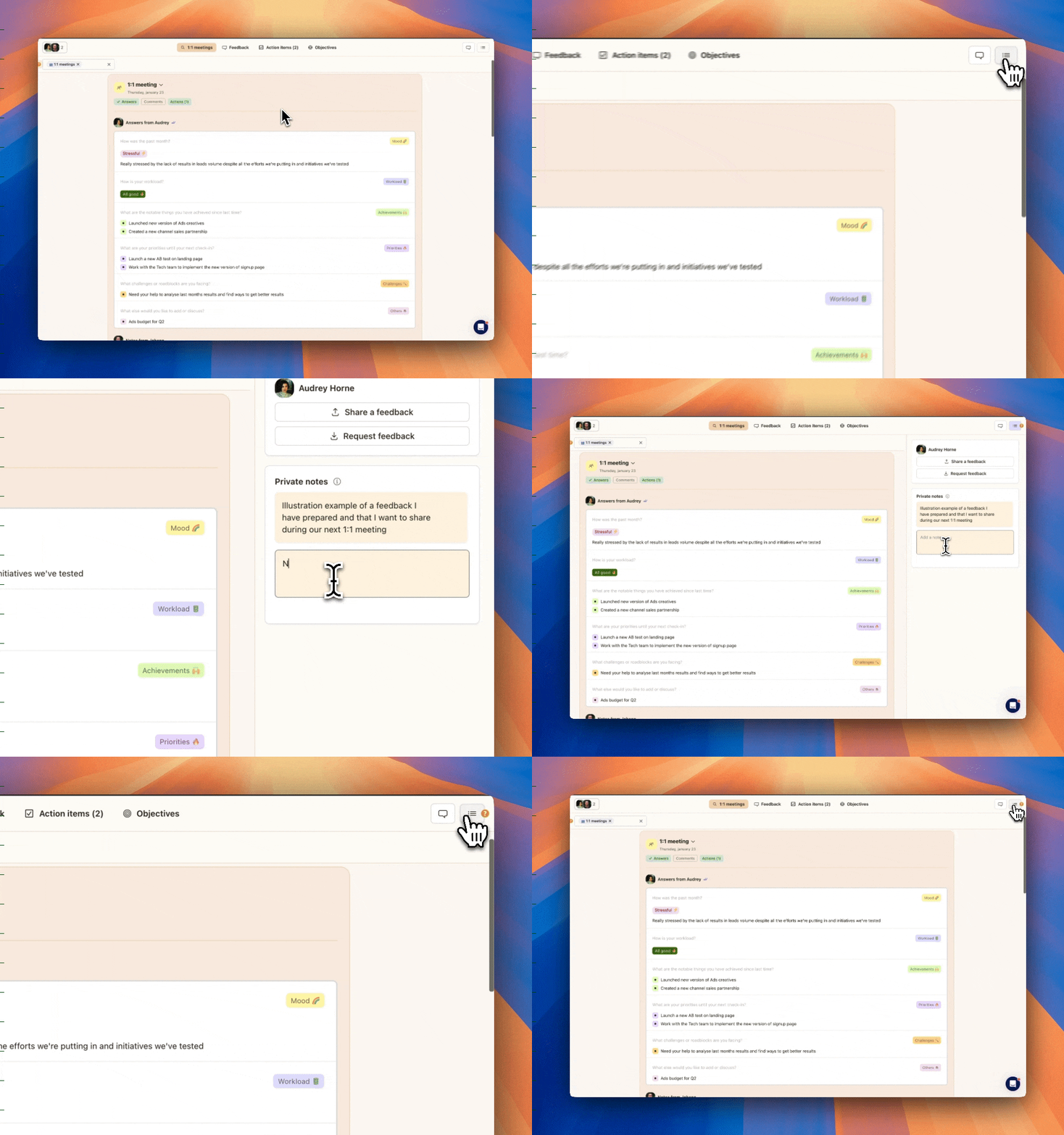
To create a private note, open the right-side panel by clicking on the panel icon at the top-right corner of your workspace.
Add a private note and start typing.
Private notes are ordered by creation date and can be edited or deleted at any time.
Pro tips:
Hit Cmd+Enter or tab to complete a private note
Double click on an existing note to edit it
Was this helpful?
Still need help? Ask the team