Changelog

Follow new updates and improvements to Popwork.

New notifications preferences & more
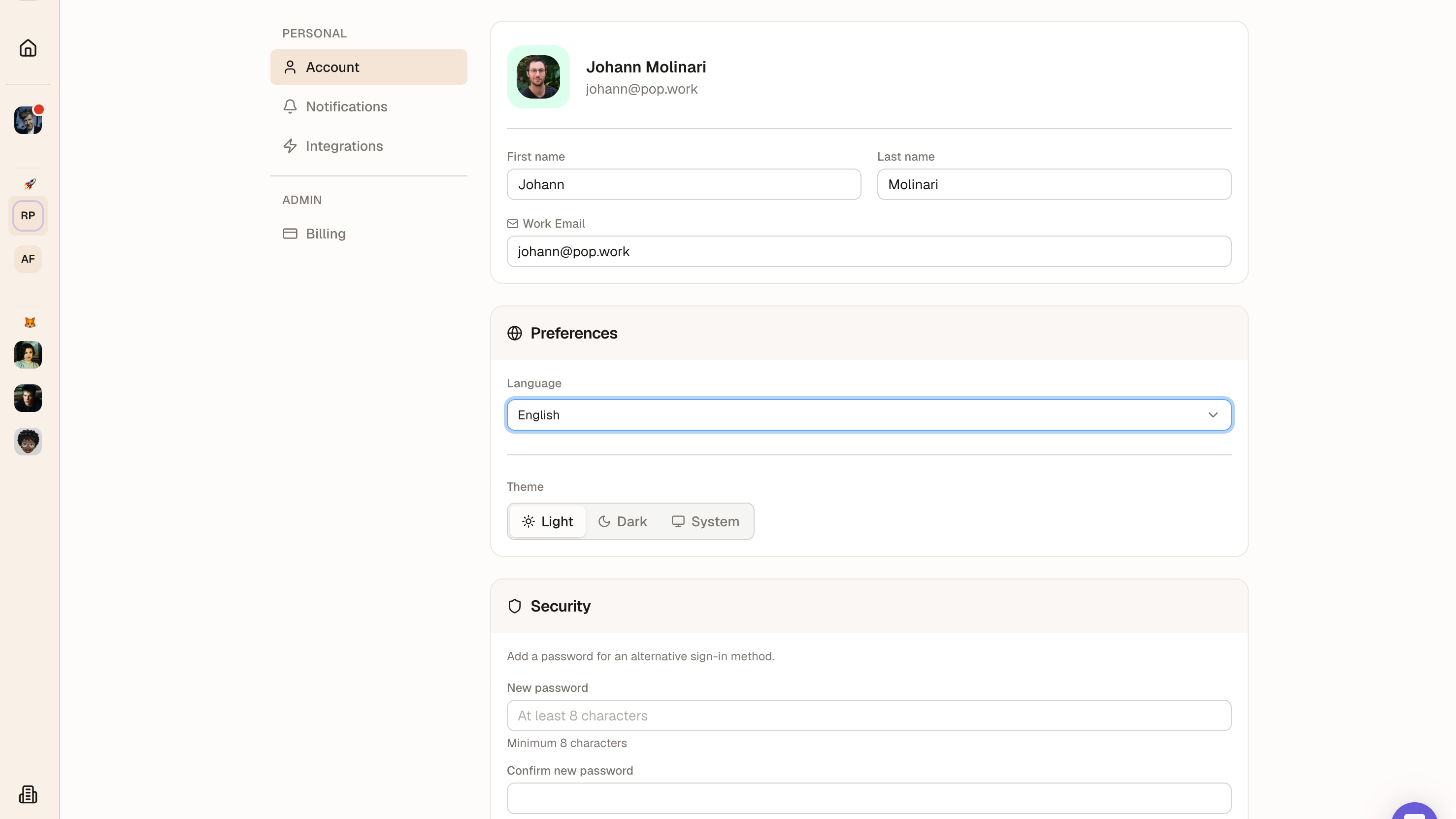
We have released a new version of Popwork with:

  • a new Notifications Preferences center 🔔
  • an updated Login experience 🔑
  • an updated design for My Account 🧘

Notifications Preferences center
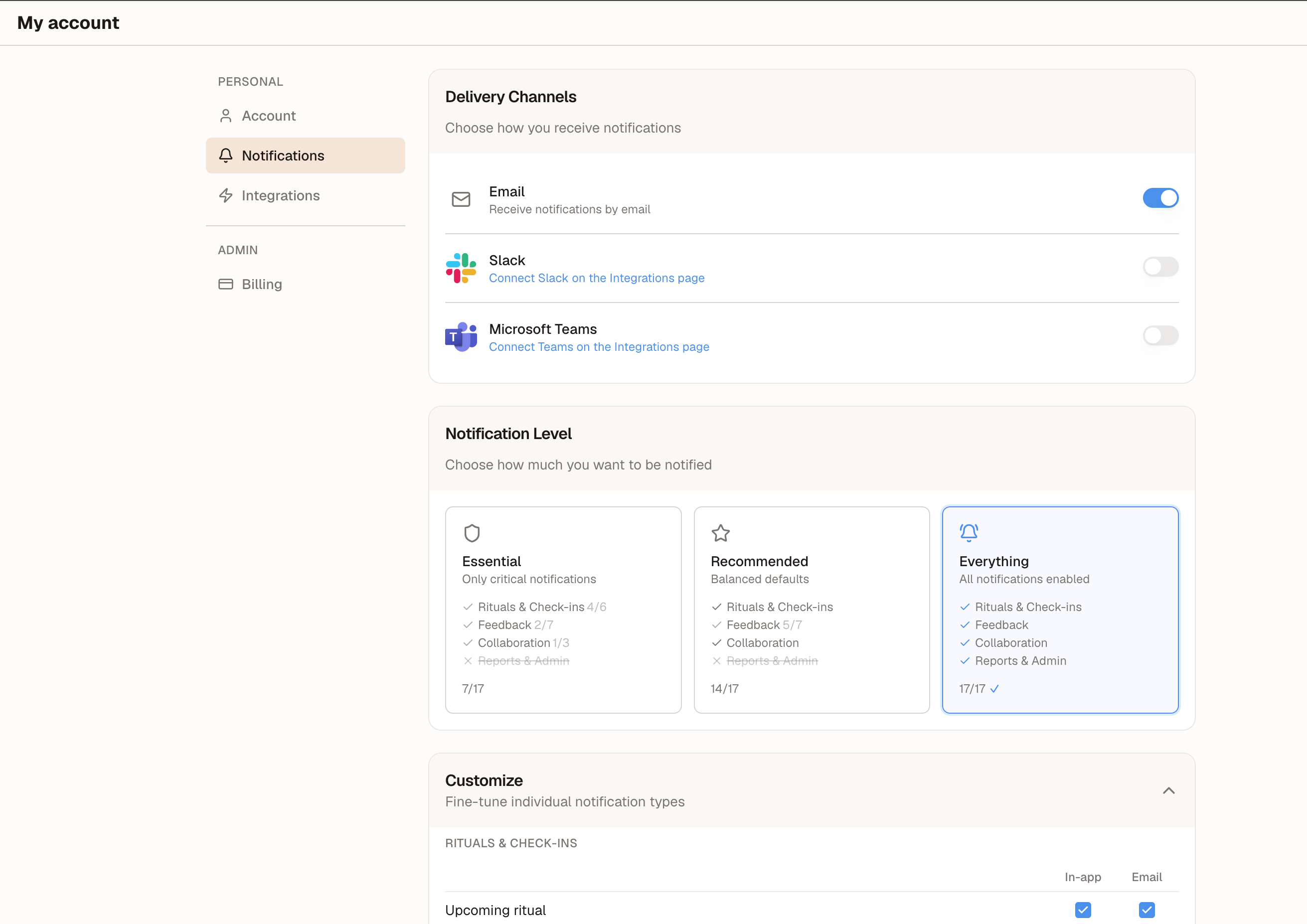
This new tab in My Account enables you to choose if and where you want to receive each Popwork notification type.

You can choose from 3 notification settings or fully customize your preferences by notification type and channel.

Updated Login experience
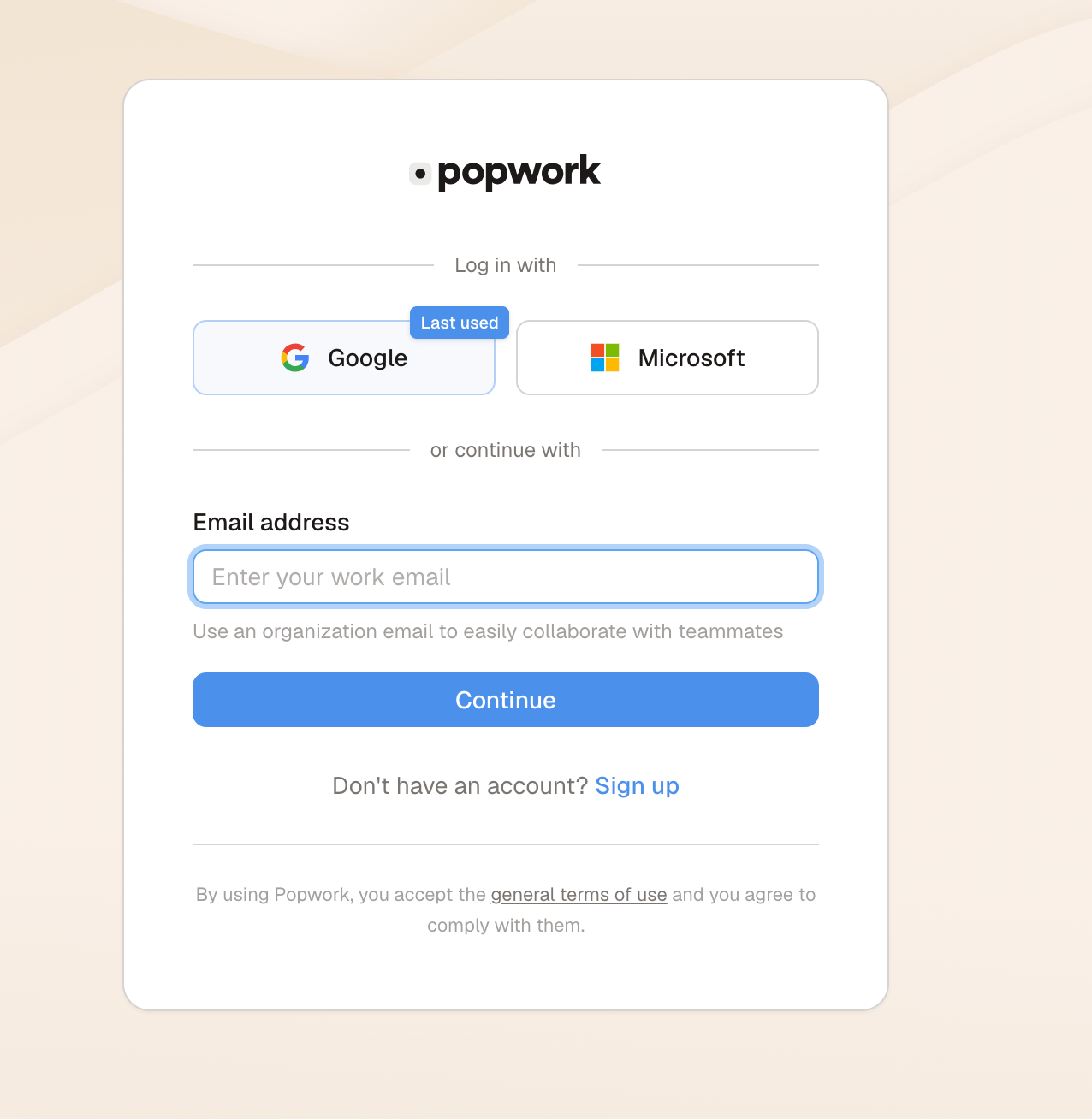
We have updated our login experience with several changes:

  • Last used login method is shown on the login interface
  • Default email login experience works with an authentification code
  • Users who prefer to use a traditional password can do so by setting up their password in My Account > Account > Password

Rolling out SSO for your organisation is available by contacting our team.

New design for My Account
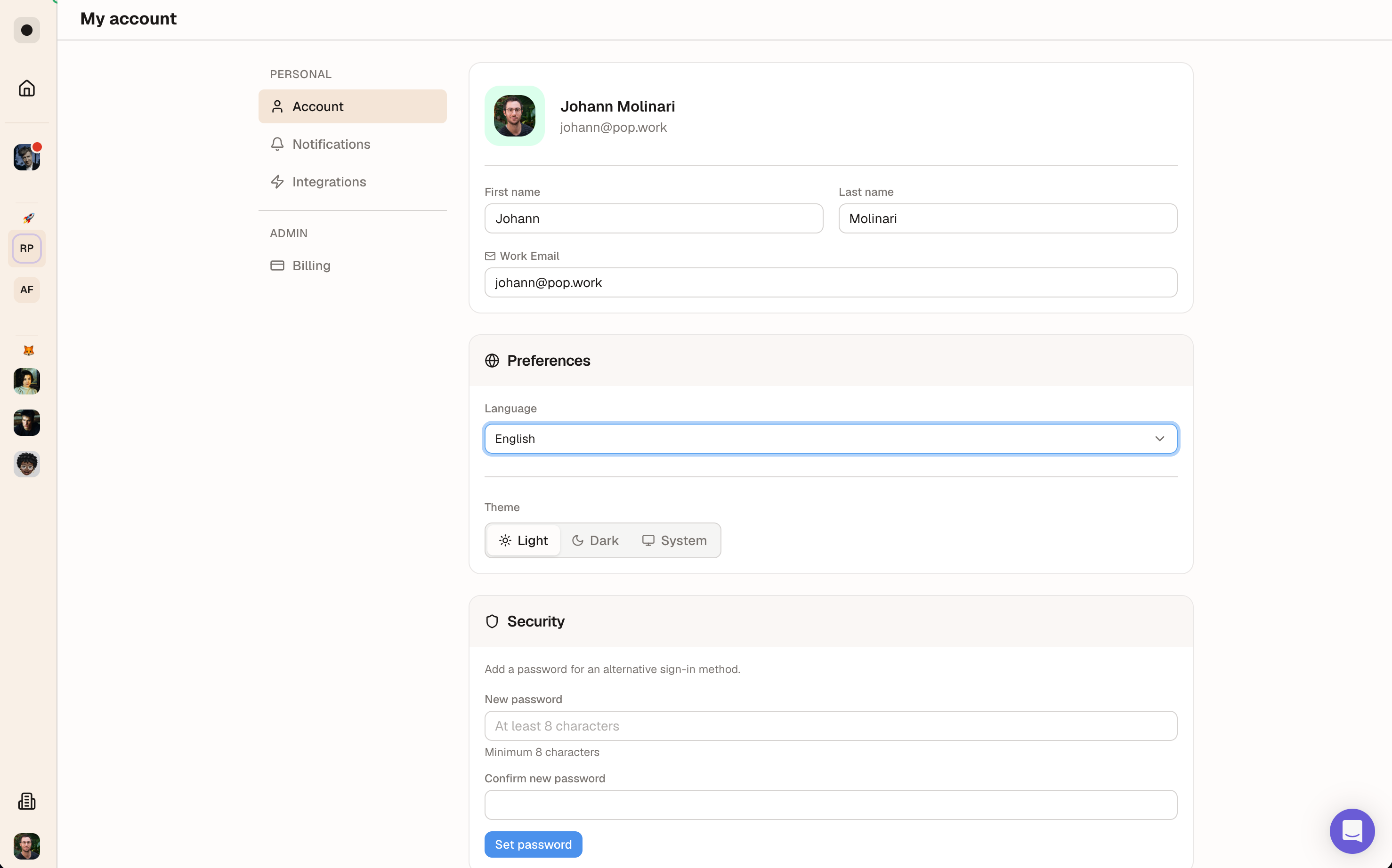
The My Account page has been redesigned for more clarity and now encapsulates Account preferences, Notifications, Integrations.

Admins will also see their Billing page has moved here.

The team has also fixed a number of bugs 🐛

  • Missing French translations
  • Wording updates
  • Login bug fixes

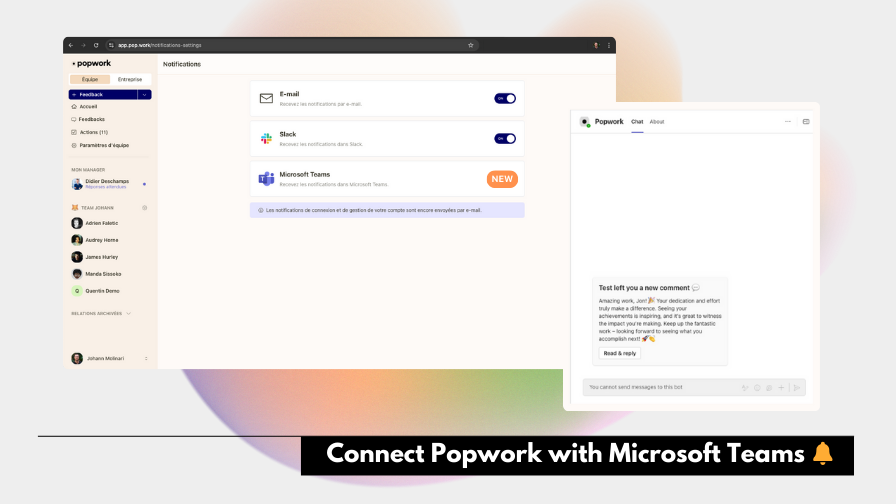
Receive Popwork notifications in Microsoft Teams (or Slack)

You can now choose to receive Popwork notifications and messages in Microsoft Teams (or Slack).

A lot of users have asked us to add the option of receiving Popwork notifications and messages in their instant messaging app rather than email.

We added the Slack integration a few months ago and are happy to announce that Popwork is now available in Microsoft 365 Teams!

Learn how to connect Popwork to Microsoft Teams here.

Week 42 - Quick access to unread comments 💬

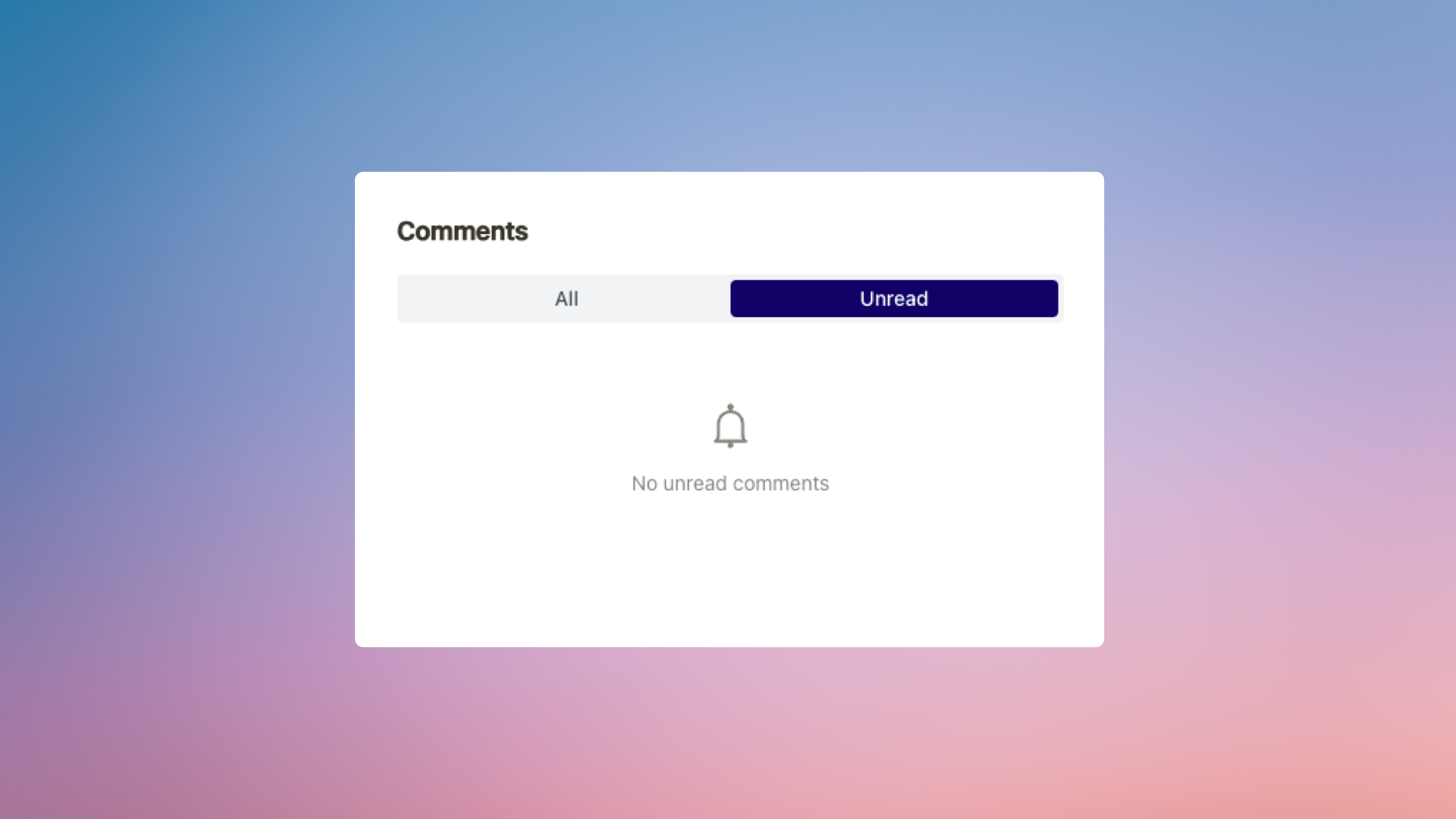
You can now view all unread comments directly from each individual workspace.

This ensures you never miss important comments, making it easier to stay on top of your ongoing discussions!

To access unread comments, simply select a workspace and click the comment icon at the top right of the screen, next to private notes.

Other improvements:

  • Improved the format of feedback and comment notifications in Slack, which now include a preview of the message sent
  • Changed the wording of the call to action to share improvement feedback for "Suggest an improvement" instead of "Help to progress"


If you’d like to know what we’re building next, check our product roadmap.

The Popwork team 🤟

Earlier updates