When to complete a check-in on Popwork?
Understanding the check-in window
Written By Johann Molinari
Last updated 13 days ago
The check-in is about stepping back regularly and giving the team member a structured channel to update his or her manager.
The answer window
The day and frequency of the 1:1 meeting are set by the manager for each team member. The day before a 1:1 meeting, the team member will be notified by e-mail to answer in preparation of their conversation.
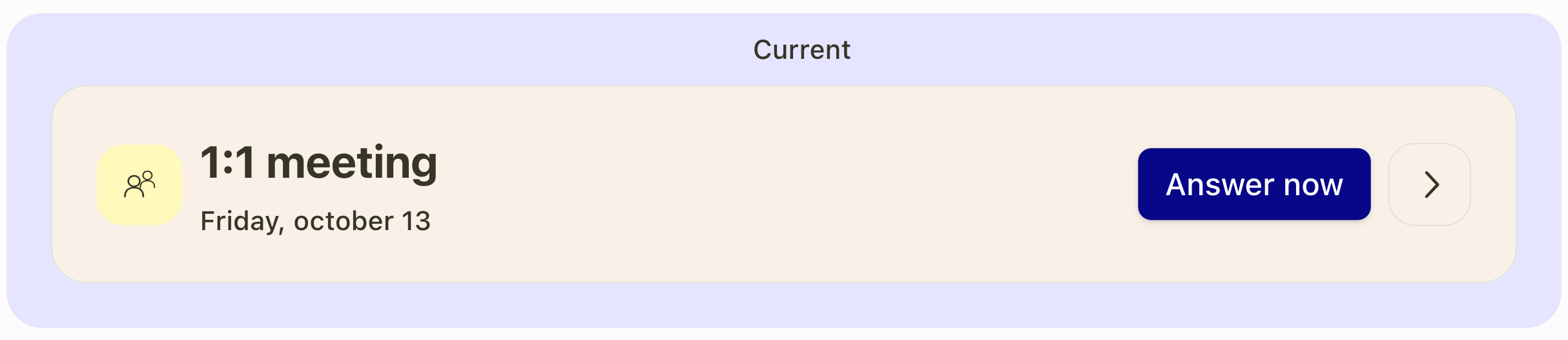
This check-in window on Popwork creates a habit and preserves these regular step back moments between managers and team members. Nevertheless, it’s possible to complete a check-in ahead of time or after its due date.
Prepare a 1:1 meeting in advance
To start answering the next 1:1 meeting in advance, team members will need to click on ↑ Upcoming rituals, then Prepare on the upcoming 1:1 meeting card.

1:1 meeting answers are automatically saved as a draft after each step and it is even possible to share the 1:1 meeting in advance.
Complete a missed 1:1 meeting
To complete a past 1:1 meeting that has been missed, team members simply have to go their Popwork workspace click on Complete late on the corresponding ritual card.

Was this helpful?
Still need help? Ask the team